Profiles and scopes
The concept of "Profiles" in this section refers to creating distinct access credentials (or service accounts) for each AICA System configuration to fulfill different operational purposes, such as for a monitoring dashboard with view-only permissions or an operator interface that can start and stop applications.
An AICA System License is a single-user license intended for one primary developer. The platform does not currently support live, simultaneous collaboration with other developers on the same system instance.
Authentication prevents unauthorized users or software clients from accessing or controlling a running instance of the AICA System through AICA Studio or the API, even if they have access to the IP address and port of the AICA Core server, by requiring a valid profile password or API key to be supplied.
The user launching an AICA System configuration from AICA Launcher is treated as the system administrator and can create and manage profiles.
This section describes how to manage profiles with specific access scopes to explicitly authorize access to the running AICA System through a web browser or API client.
System administration privileges and API authentication are supported by AICA Launcher as of v1.2.0 and the Python API Client as of v3.1.0. Upgrade to the latest versions of these tools for full compatibility.
Scopes
AICA Studio may have different or limited functionality depending on the scopes granted to the logged-in profile. Similarly, an API key with appropriate scopes is required to access respective endpoints and functionalities of the API. The available levels of scopes are described below.
status
Read-only access to high-level information about the AICA System such as the available installed features. This is the minimum required scope.
monitor
Read-only access to specific information about the AICA System such as configuration database entries or the state and
live telemetry of running applications. Requires the status scope.
control
Write-level access to edit applications, hardware entries, and other configurations, and control-level access to set,
start, and manage running applications. Requires the monitor scope.
users
Administration access to manage profiles (re-assigning scopes, resetting passwords, or deleting profiles)
cloud-configuration
Administration access to authorize and manage cloud service integrations.
Profiles
When using AICA Launcher or otherwise launching AICA Core as the system administrator, AICA Studio will show a "Super Admin" landing page to select or manage the profile. Brand-new configurations will have no existing profiles.
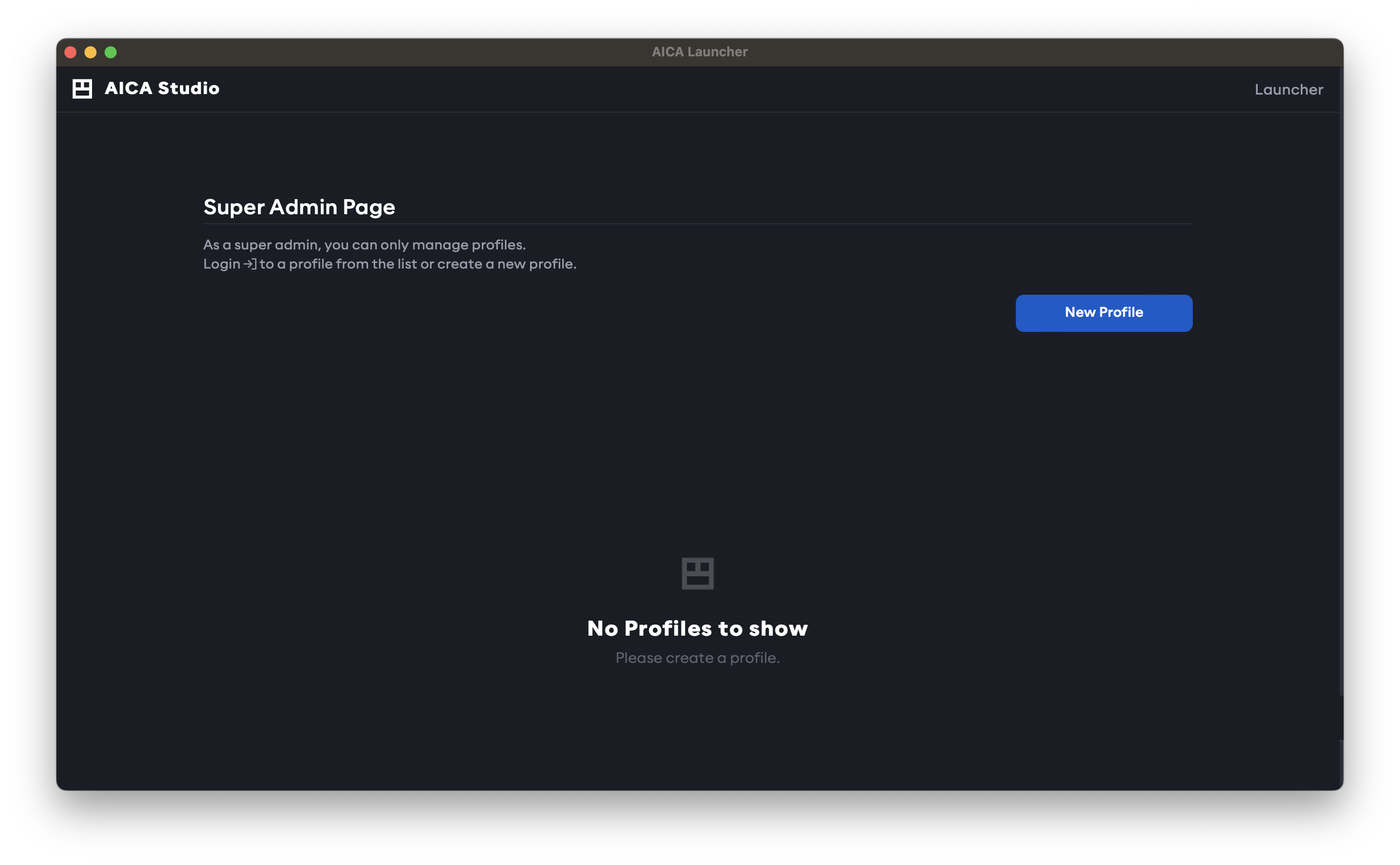
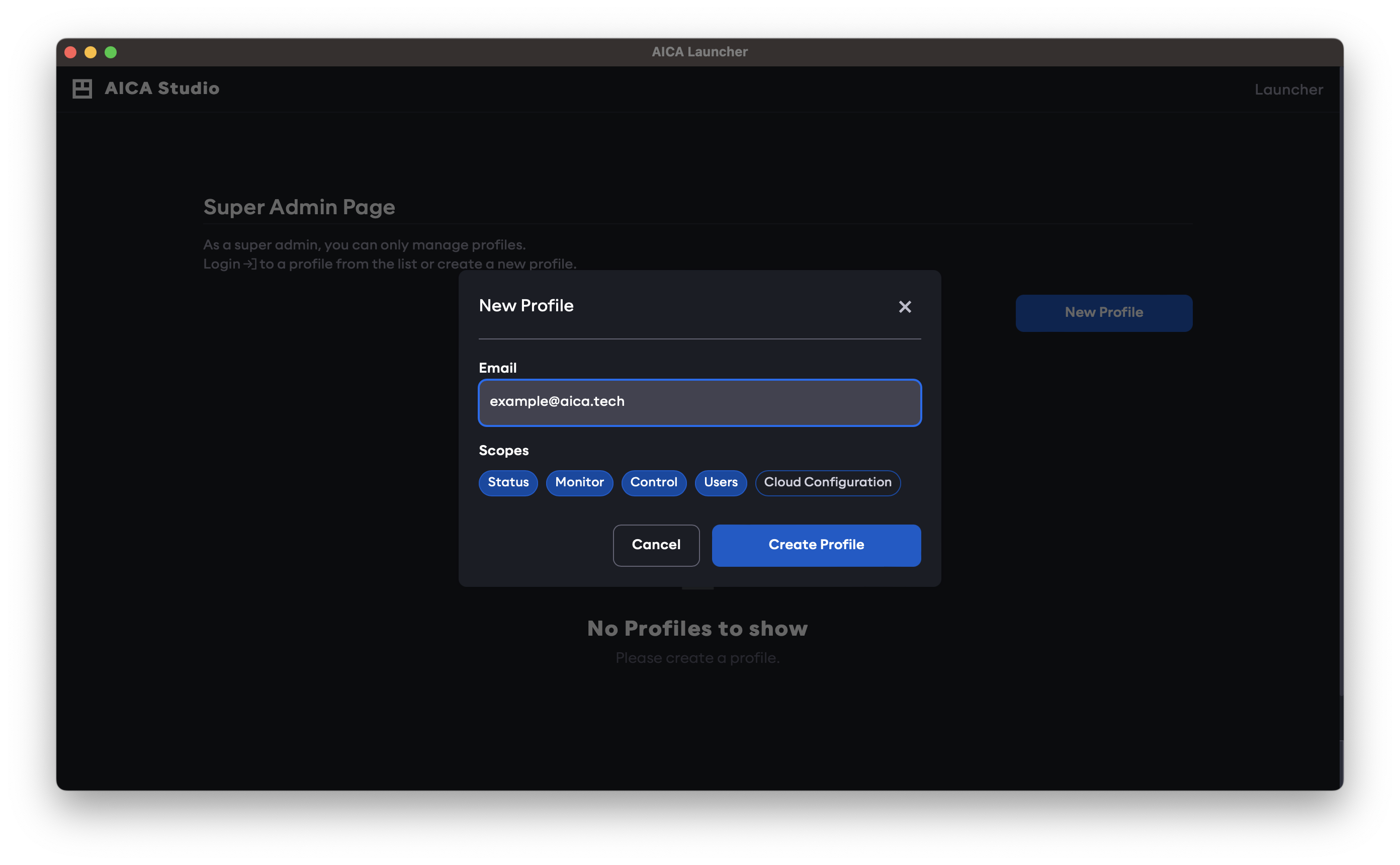
Profiles are created using an email address as the identifier and can be granted a combination of scopes.
To edit and run applications in AICA Studio, the control scope is required.
The email address used to create a new profile is only used as an identifier and is unrelated to the email address used for licensing. Profiles are defined locally to a specific AICA System Configuration, and access scopes or passwords are not inferred or shared between different configurations, even if the same email address is used.
To create a new profile, click on the New Profile button in the Settings page, provide an email address and the desired scopes.
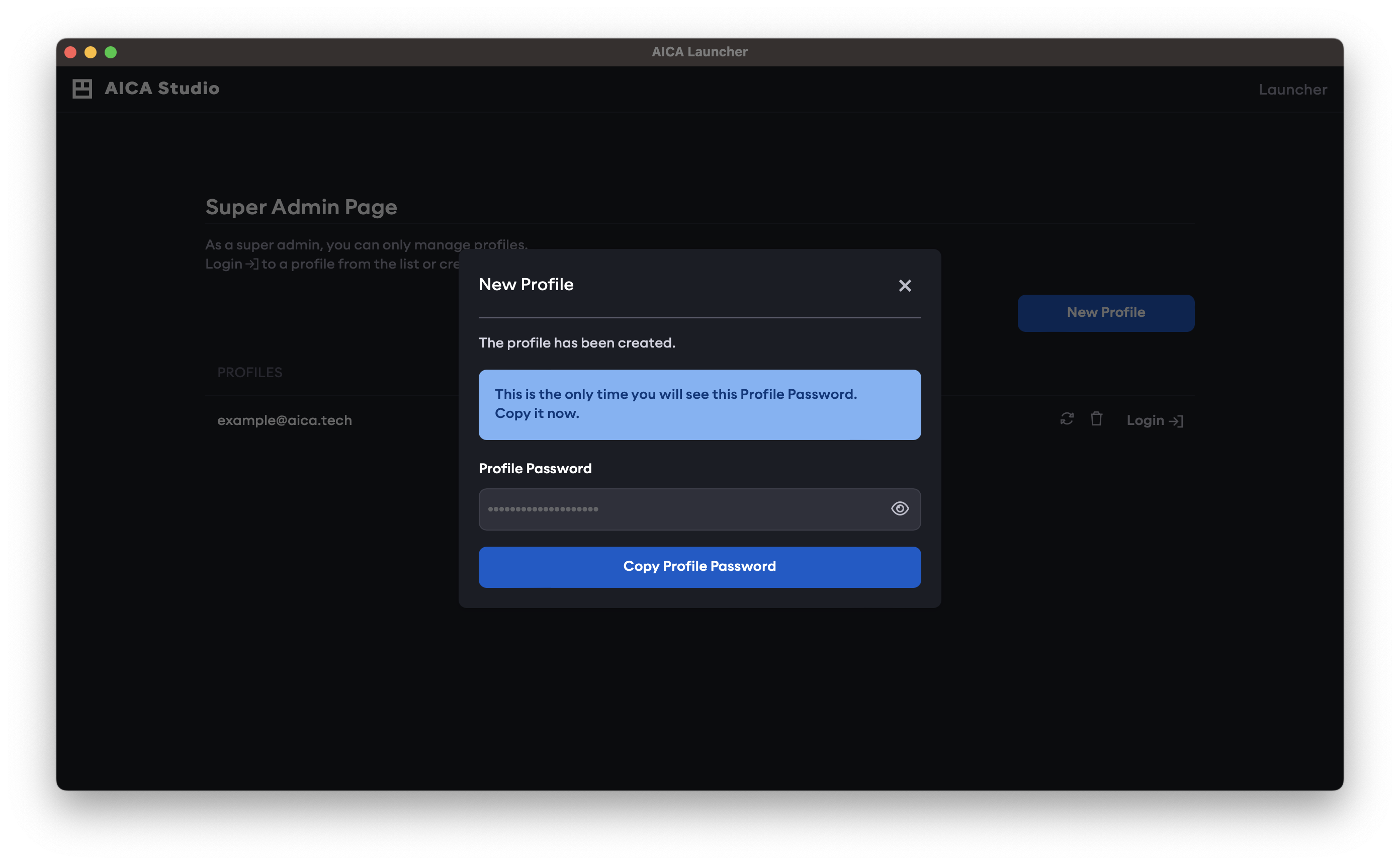
A random password is generated for the newly created profile. It is only shown once, so it should be copied to the clipboard. Then log in to the new profile with the generated password.
To change the profile password, go to the Profile page and enter the existing (generated) password and the desired new password.
The password for a profile can be reset back to a randomly generated password by a profile with the users scope or by
the system administrator on the Super Admin landing page.
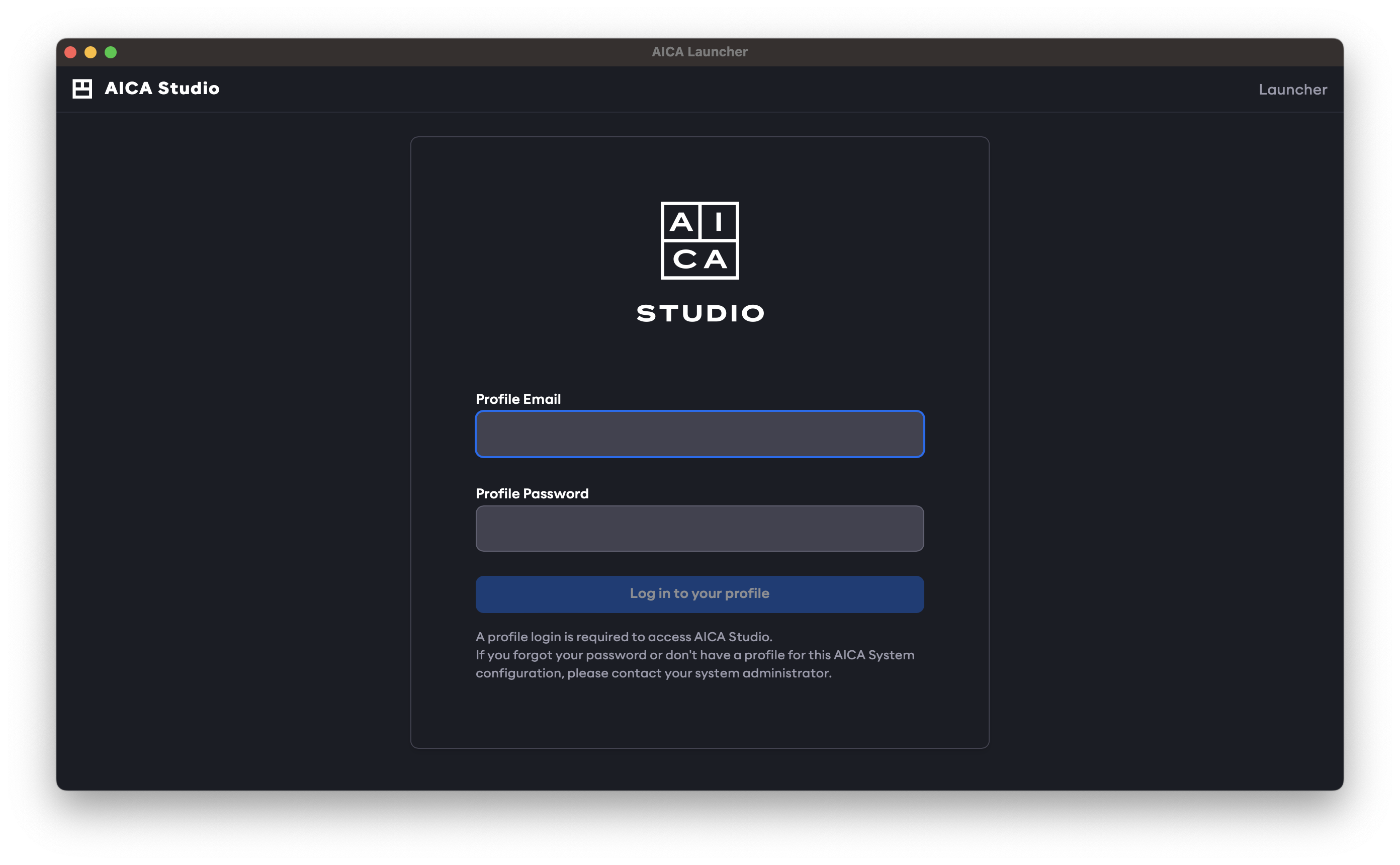
If the user logs out of the current AICA Studio profile, or if AICA Studio is accessed from a new web browser page, a valid profile email and password must be supplied to log in to AICA Studio.
API Keys
Other than accessing AICA Studio through a browser, users or software clients can interact with the AICA System using the API. In this case, an API key is required for authentication. This can be generated in the Profile page in AICA Studio, by clicking on the New API Key button. Provide a name and the desired scopes; note that these cannot surpass the scope of the logged-in profile.
Just as with the creation of new profiles, the newly created API key is shown once to be copied and saved in a secure place, as it cannot be accessed later. It can then be used to authenticate and access AICA Core through the API.
If an API key is lost or compromised, delete it from the Profile page and generate a new one.
Refer to our API client documentation for more info on the usage of API keys.